Steps and facts
- Open Configuration → Knowledge Base. Add your company description, services, pricing, contact details, hours, delivery and refund policies, FAQ and escalation rules.
- Keep answers concrete and current. Include what is supported, what is excluded, and when a teammate must review a request.
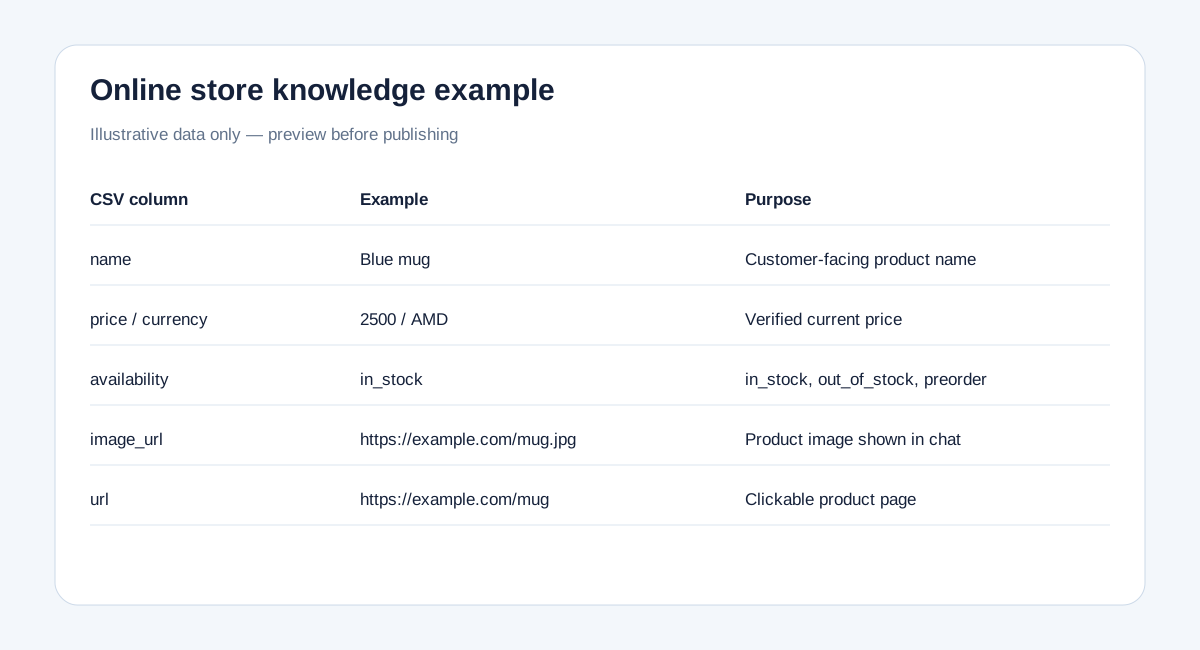
- For an online store use the product CSV template: sku, name, price, currency, availability, url, image_url, description. Export Excel as UTF-8 CSV before uploading; direct XLSX import is not available.
- Upload CSV, TXT or Markdown, review the preview, add the content to the draft and save Knowledge Base to publish. A template is an example, not your actual inventory.
- Sitemap is optional when you use files, and files are optional when the website supplies sufficient information. FAQ, manual knowledge and published website content are used together.
- Automatic merging of the same product across CSV and sitemap, and source precedence for price or stock, are not yet available. Avoid conflicting copies and publish one current source for these facts.
- Never add customer passwords, payment details, internal secrets or another customer's private data. Unknown information should be clarified or sent to a human rather than invented.