Steps and facts
- Website: install the Website Chat snippet on an allowed domain and test the actual embedded widget.
- Facebook/Instagram: in Configuration select the channel and Connect with Meta, sign in and authorize the correct business assets. Verify the returned connection belongs to this workspace.
- External customer onboarding depends on the Meta app's review, permissions and account setup. A published app or verified business alone does not prove each messaging permission is approved.
- WhatsApp: configure the business Phone Number ID and the authorized token through your workspace's supported setup. Verify the webhook, messages subscription, WABA app subscription and permitted test recipient with your administrator. The Phone Number ID is not the phone number or WABA ID.
- TikTok Business: use Connect TikTok and confirm the requested permissions when the platform app is configured. Do not call it active before receiving and replying to a real permitted message.
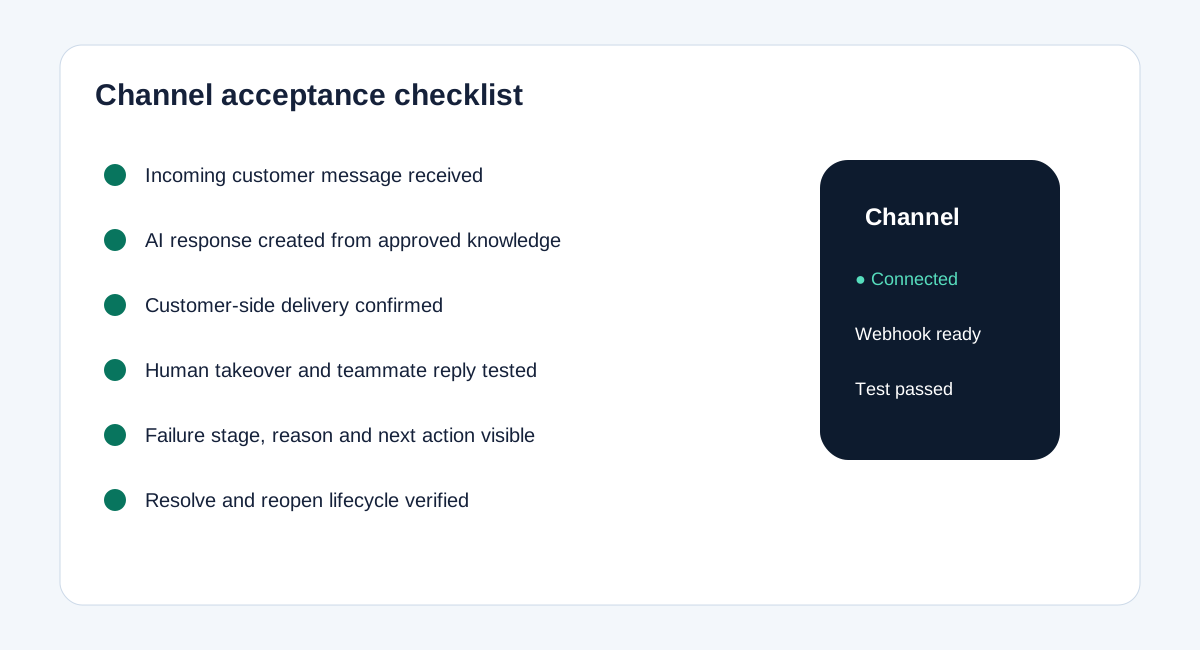
- For each channel test inbound delivery, the AI draft, allowed sending, customer-side receipt, human takeover and visible failures. Start with one channel in Draft only, then enable eligible semi-auto sending.
- Facebook and Instagram voice messages: recognize one audio attachment up to 2 minutes and 8 MB and show its transcript in Inbox. The same approved knowledge, AI mode, confidence, human takeover and messaging-window rules apply. This supports recorded messages, not live Meta calls. Background processing can take about a minute; later text waits behind queued audio.
- Owners and admins can independently disable voice recognition or spoken replies under Configuration → Channel connections. Both default to on and use workspace AI credit. Unclear or unsupported recordings go to a teammate. Eligible voice questions can receive a spoken reply; the text remains in Inbox. If generation fails before sending or Meta explicitly rejects audio, text can be sent instead. An uncertain delivery is not repeated as text. Test incoming audio and customer-side replies on the real account.