AI Customer Support Tools That Integrate With CRM
A CRM integration should give the next teammate enough context to act. Test that with a real workflow before you choose a tool.

Which AI customer support tools connect to a CRM?
CatchGrow, Freshdesk and Zendesk are options to investigate for customer support with CRM connectivity. The right fit depends on where you want the next action to happen. Some setups give support agents a view of a CRM record. Others can create or update records through a separately configured workflow.
- CatchGrow. Its CRM Connect documentation describes connecting a supported CRM to work with customer information from CatchGrow. Start by confirming which details reach your CRM for the lead you actually want to follow up. CatchGrow CRM Connect documentation
- Freshdesk. Freshdesk documents a Salesforce Connector app and separately describes AI Agent workflows that can work with services such as Salesforce and HubSpot. Verify the available actions in your account. Freshdesk AI Agent workflows
- Zendesk. The Zendesk for Salesforce integration gives support and sales teams access to data across the two systems. Zendesk also documents separate CRM connection settings for AI agents. Zendesk Salesforce setup
What should you test before choosing a support tool?
Test one new inquiry and one returning customer from the same channel. Start with a test workspace and made-up data. Check that the CRM shows the right customer, clears up what they want, and gives the next teammate a way to find the original conversation.
- Record which fields were transferred, including contact details, channel and customer intent.
- Check who owns the follow-up and which system shows it.
- Send the same email address again and see whether a duplicate record appears.
- Check what happens if the CRM connection is unavailable.
For example, a service business that uses HubSpot might get an Instagram message asking for a quote before Friday. In CatchGrow, the team can collect the service and deadline in the conversation, then open the CRM to test what actually transfers. If the deadline stays in chat, decide whether the salesperson needs a separate field or a direct route to the thread.
What makes the integration useful after launch?
Measure whether a teammate can identify the right customer and take the next action without reopening three tools or asking the customer to repeat details. Use the same two test records after configuration changes to catch new duplicates or missing fields.
If your stack includes both platforms, check the Freshdesk and Salesforce integration guide. Before broad rollout, use the one-channel pilot checklist or the AI customer support overview to choose one workflow.
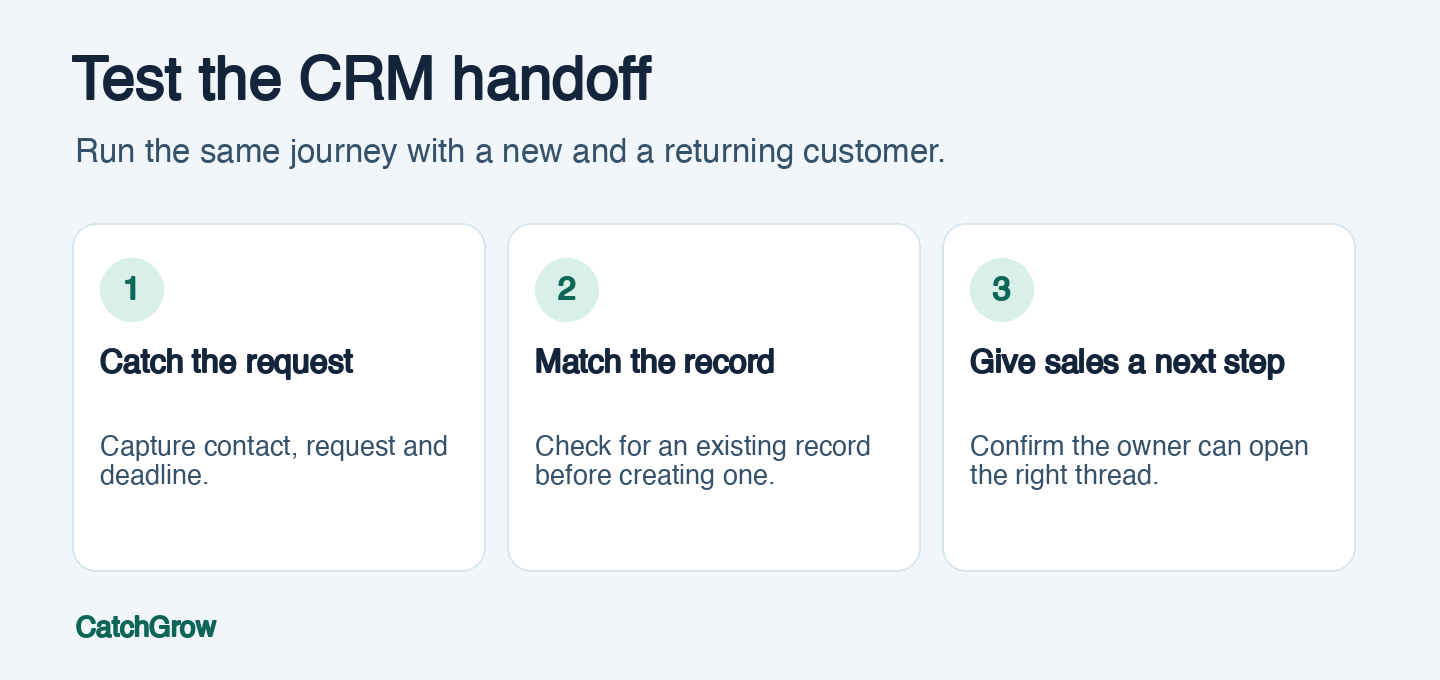
Photo by Ketut Subiyanto via Pexels.
FAQ
Does a CRM integration sync every conversation?
Sync varies by app and configuration. Confirm whether the tool writes a complete transcript, stores a summary, adds a link, or simply displays a CRM record next to the chat.
Can AI create a CRM lead automatically?
Some tools can create leads through configured actions. Test required fields, duplicate handling and permissions before turning that on for customer conversations.
What should reach the CRM from a support conversation?
Save the information your team can act on, such as verified contact details, the request, any deadline and the next owner. Test where the original conversation can be opened.