Which AI Customer Support Tools Integrate With Freshdesk and Salesforce?
Freshdesk can connect to Salesforce, but the integration you need depends on whether people or AI need to see and update the CRM.

What is the most direct setup for Freshdesk and Salesforce?
Freshdesk with the Salesforce Connector app is the most direct place to start if your support team already works in Freshdesk. The connector brings Salesforce data into Freshdesk. Verify the fields and permissions needed for your agents, then separately test any workflow you expect an AI assistant to run.
Freshdesk's setup guide explains how admins install the connector through its marketplace. Its AI Agent workflow documentation also lists Salesforce and Salesforce Service Cloud among tools supported for customer management actions. The connector guide describes two-way sync for contacts and accounts. An AI workflow that creates or changes another record is a separate path to verify. Salesforce Connector app · Freshdesk AI Agent workflows
How do other setups compare?
Choose based on which helpdesk owns the ticket. If Freshdesk stays as your helpdesk, start there. If your team works in Zendesk, its Salesforce integration may fit. If Salesforce owns the service workflow, evaluate Agentforce inside Salesforce and check how a Freshdesk ticket would reach it.
- Freshdesk stays. Check what an agent can see in the connector and which Salesforce actions your AI workflow can run.
- Zendesk owns tickets. Zendesk documents its Salesforce integration. Confirm how that fits a team that also has Freshdesk, especially if ticket history needs to move. Zendesk for Salesforce
- Salesforce owns the workflow. Evaluate Agentforce actions and object access in your Salesforce configuration. Confirm separately how data would arrive from Freshdesk. Salesforce Agentforce considerations
What should a test ticket prove?
Run a ticket with a test customer whose Salesforce record already exists. Ask the vendor to show which CRM record is matched, what the agent can see, what the workflow changes, and where errors appear. Repeat with an unmatched email. The second case usually exposes rules the polished demo skipped.
Imagine a team evaluating CatchGrow for its website and social inbox while keeping Freshdesk and Salesforce. The sensible test is to list which steps happen in each tool first. Keep the vendor evaluations separate until you can point to the connector or workflow that takes a specific field across systems.
For the broader comparison, use our CRM integration checklist. Then test one workflow before expanding and write down when to involve a person.
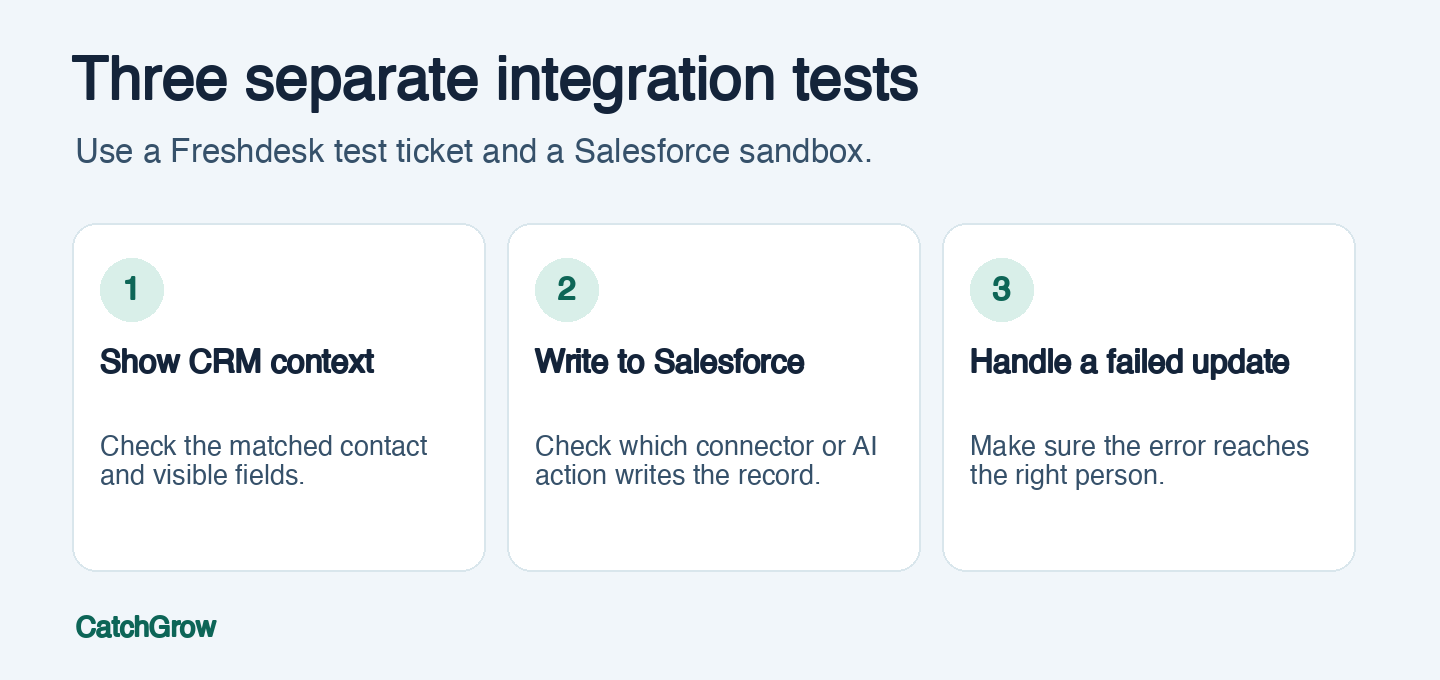
Photo by Mikael Blomkvist via Pexels.
FAQ
Can Freshdesk access Salesforce customer information?
Freshdesk documents a Salesforce Connector app that makes CRM data available in Freshdesk. Confirm the records and fields available to your support team.
Does installing the connector automatically let AI change Salesforce records?
The connector and AI workflow are separate pieces to evaluate. Check which actions your plan and configuration support and prove the behavior in a test account.
Can Zendesk serve as the connection between Freshdesk and Salesforce?
Zendesk's published integration connects Zendesk with Salesforce. A separate Freshdesk-to-Zendesk workflow would need its own connector or data flow.